
Hand a seven-year-old a tablet and something remarkable happens. Within minutes they’re watching videos, playing games, maybe chatting with other players — navigating the internet like they were born to it.
They weren’t. They just learned the buttons faster than the risks.
Roughly one in three internet users worldwide is a child under 18, according to UNICEF, and kids are going online younger every year. Understanding the everyday online dangers for children has become a core parenting skill — as basic as teaching road safety. This guide covers the ten biggest dangers of the internet for kids under 13 — and unlike advice for teenagers, almost every fix here is something you can set up in an afternoon.
Quick Answer: The main dangers of the internet for kids are accidental exposure to adult content, strangers in game and chat apps, autoplay video rabbit holes, in-app purchases, oversharing personal details, fake-prize scams, excessive screen time, weak privacy settings, cyberbullying in games and group chats, and copying dangerous stunts from videos. Because children under 13 can’t yet judge online risk themselves, protection comes from parent-managed controls, shared devices, and simple family rules.
Have a teenager too? Their risks are different — more independence, more serious threats. Read why the internet is dangerous for teenagers.
- 1. Accidental Exposure to Inappropriate Content
- 2. Strangers in Online Games and Chat Apps
- 3. Unsafe Video Recommendations and Autoplay
- 4. In-App Purchases and Surprise Spending
- 5. Oversharing Personal Information
- 6. Fake Prizes, Free Robux and Phishing Links
- 7. Too Much Screen Time and Disrupted Sleep
- 8. Weak Privacy Settings and Data Collection
- 9. Cyberbullying in Games and Class Group Chats
- 10. Copying Dangerous Stunts and Challenges
- Simple Family Internet Rules That Actually Work
- FAQ: Internet Dangers for Kids
- What are the most common dangers of the internet for kids?
- Is the internet safe for children?
- What are five internet safety rules every child should know?
- At what age can kids browse the internet alone?
- Are YouTube Kids and parental control apps enough to keep children safe?
- What should I do if my child sees something disturbing online?
- Final Note
1. Accidental Exposure to Inappropriate Content
Why it happens: Kids don’t go looking for adult content — it finds them. A misspelled search, a pop-up in a free game, a link forwarded in a class WhatsApp group. Research from Common Sense Media found that among teens who had seen online pornography, more than half first encountered it by age 13 — and 15% before they turned 11. In other words, first exposure typically happens in the “kids” years, not the teen years, and usually by accident.
How to protect your child: Turn on SafeSearch in Google and YouTube, set devices to child profiles, and use a content filter at the Wi-Fi level or through a parental control app so every device in the house is covered. Just as important: tell your child that if they ever see something weird or scary, they won’t be in trouble for showing you. Kids who fear punishment hide the screen and keep clicking.
2. Strangers in Online Games and Chat Apps
Why it happens: Games like Roblox, Minecraft, and Free Fire are where kids socialize now — and every open chat is a room full of strangers. Online predators know this, and they don’t look like villains. They look like a friendly player offering free skins, game currency, or team-up help, then asking to move the chat to another app.
How to protect your child: For under-13s, be direct: chat with real-life friends only. Turn off open chat or set it to friends-only in each game’s settings, disable voice chat with strangers, and make sure their username contains no real name, age, or school. Give them one clear script: “If any player asks your age, your photo, or to chat somewhere else — stop and tell me. You’ll never be in trouble for telling.”
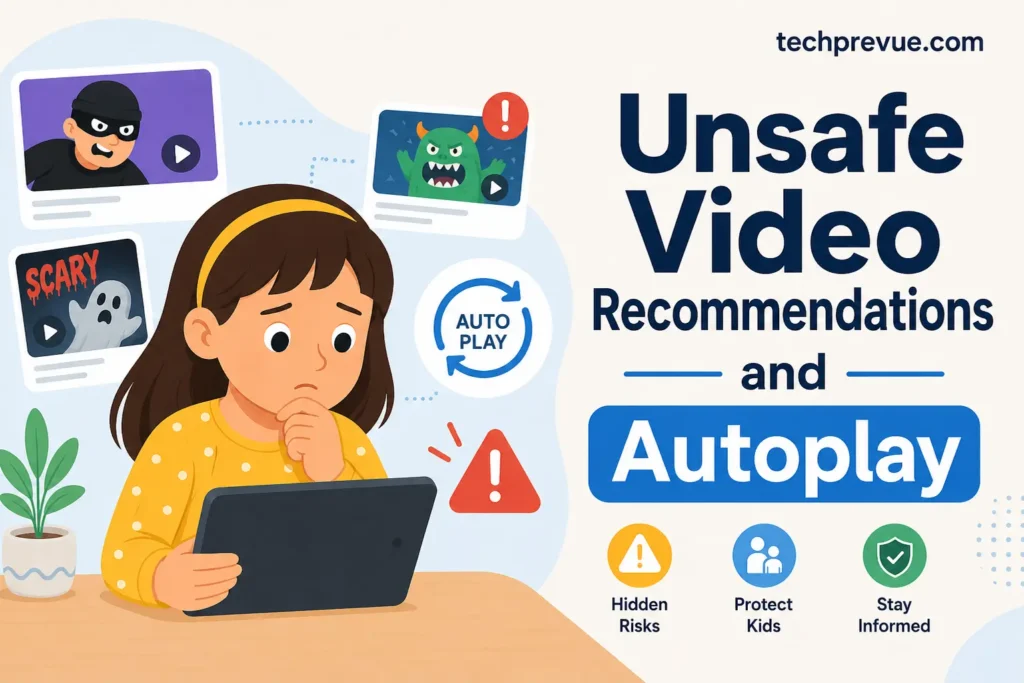
3. Unsafe Video Recommendations and Autoplay
Why it happens: Your child watches one cartoon. Autoplay lines up the next video, then the next — chosen by an algorithm that optimizes for watch time, not for what’s healthy for an eight-year-old. Recommendations drift toward louder, stranger, more extreme content, and even kid-focused platforms let overstimulating or disturbing videos slip through.
How to protect your child: Turn autoplay off — it’s the single highest-impact setting on any video app. Use YouTube Kids or a supervised account rather than regular YouTube, and pre-approve channels for younger children instead of leaving discovery open. Co-watch now and then; you’ll learn more about the algorithm’s choices in ten minutes than any settings page will tell you.
4. In-App Purchases and Surprise Spending
Why it happens: “Free” children’s games make money by selling coins, gems, and loot boxes — and they’re engineered so purchases feel like part of the game. A child who doesn’t grasp that gems cost real money can drain hundreds from a linked card in one afternoon. Loot boxes add a gambling-style hook: pay, spin, hope.
How to protect your child: Require a password or fingerprint for every purchase (Settings → Ask to Buy on Apple; purchase approval in Google Family Link). Remove saved cards from kids’ devices entirely, and use gift cards with fixed amounts if they’ve earned game money. Explain loot boxes plainly: “It’s designed to make you keep paying. The game wins, you don’t.”
5. Oversharing Personal Information
Why it happens: Young kids answer questions honestly — that’s normally a virtue. Online it’s a vulnerability. A chat “friend” asks their school name. A quiz asks their birthday and pet’s name (also the answers to security questions). A photo in school uniform reveals their location to anyone who sees it.
How to protect your child: Teach the private five: full name, school, address, phone number, and photos are never shared online without asking a parent first. Check that app profiles use a nickname and a cartoon avatar, and turn off location access for every app that doesn’t truly need it. Practice with role-play: “If someone in a game asks where you live, what do you say?”
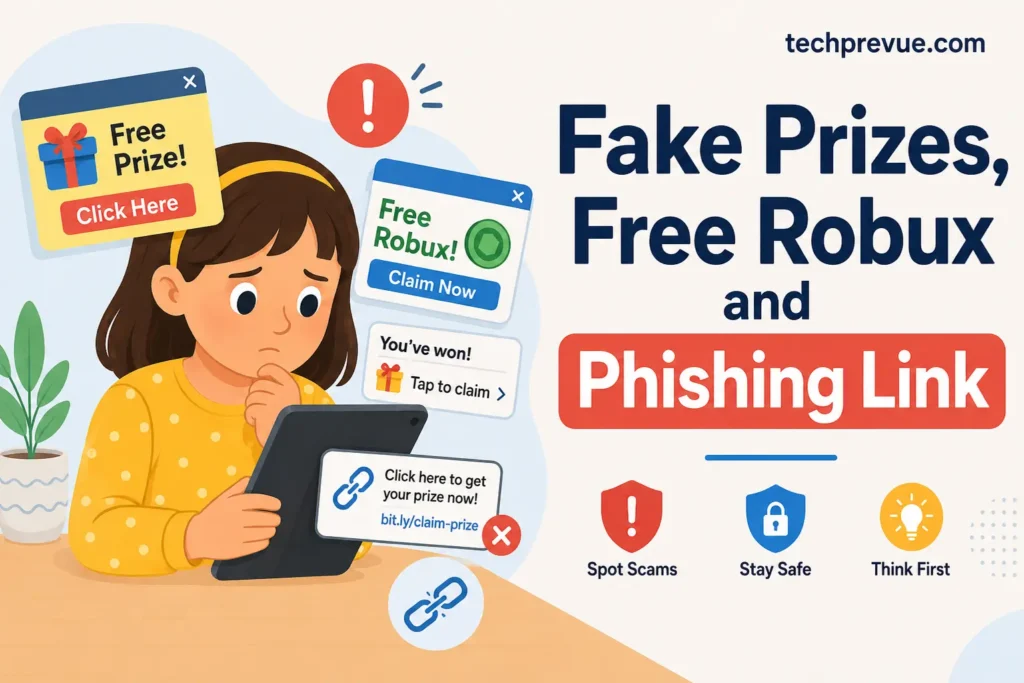
6. Fake Prizes, Free Robux and Phishing Links
Why it happens: Scammers aim their simplest tricks at the youngest users: “You won an iPhone!”, “Free Robux — click here!”, “Your account will be deleted unless you log in now.” Kids click because the promise is exciting and the danger is invisible. One click can install malware or hand over a password — often a parent’s password on a shared device.
How to protect your child: One rule, repeated until it’s automatic: free stuff from strangers online is always fake. No exceptions, no “but this one looks real.” Add the backstop rules — never enter a password because a pop-up asked, and never share an OTP code with anyone. Keep devices updated and use a child account without admin rights so one bad click can’t install anything.
7. Too Much Screen Time and Disrupted Sleep
Why it happens: Kids aged 5–8 now average around three and a half hours of screen time a day, per Common Sense Media’s census. Endless autoplay and game reward loops are built to prevent stopping points. The costs show up offline: later bedtimes, poorer sleep, less physical play, and crankier mornings — effects the American Academy of Pediatrics has documented for years.
How to protect your child: Fight structure with structure. Screens off an hour before bed, all devices charging outside the bedroom overnight, and no screens at meals — for adults too, because kids copy what they see. Use built-in timers (Screen Time, Family Link) as the neutral “bad guy” so the tablet turns itself off and you’re not the villain every night.
8. Weak Privacy Settings and Data Collection
Why it happens: Apps aimed at children still collect data — location, contacts, browsing habits — and default settings usually favor the app, not the child. Many services quietly profile young users for advertising, and an account created at eight follows a child for years.
How to protect your child: Do a ten-minute privacy sweep on each new app before your child uses it: deny location, contacts, and microphone unless genuinely needed; set profiles to private; opt out of ad personalization; and cover or disable cameras on devices kids use unsupervised. Prefer age-appropriate apps with real child modes over adult apps “used carefully.” Repeat the sweep every few months — updates love to reset permissions.
9. Cyberbullying in Games and Class Group Chats
Why it happens: Bullying doesn’t wait for the teen years. Research from the Cyberbullying Research Center suggests roughly one in seven children aged 9–12 has already experienced cyberbullying — mean messages in a game lobby, being deliberately excluded from a group, or hurtful posts in a class WhatsApp group. At this age, kids often can’t tell whether it’s “just a joke,” and they rarely report it on their own.
How to protect your child: Keep the response age-simple: don’t reply, take a screenshot, tell a grown-up. Glance at group chats occasionally on shared devices, and loop in the class teacher early — for under-13s, the bully is almost always a classmate, and schools can act quickly. And if your child turns out to be the one being unkind, treat it as a teaching moment about how words land on a screen, not just a punishment.
10. Copying Dangerous Stunts and Challenges
Why it happens: Young children learn by imitating what they watch — that’s healthy with craft videos, and hazardous with dares. Challenge and prank videos are edited to look fun and consequence-free, and autoplay serves them straight to young viewers. A child with no sense of risk may try a “cool experiment” in the kitchen or a stunt on the playground within minutes of watching it.
How to protect your child: Set one household rule: never copy a trick, dare, or experiment from a video without showing a parent first. Co-watch enough to know which creators your child imitates, block channels built around stunts and pranks, and offer safe substitutes — there are excellent channels doing genuinely safe science and craft projects that are meant to be copied.
Simple Family Internet Rules That Actually Work
Good settings handle half of the internet safety risks for kids. These daily habits handle the rest:
- Screens live in shared spaces. Homework at the kitchen table beats a closed bedroom door.
- You’ll never be in trouble for telling me. Say it often. It’s the rule that makes every other rule work.
- Ask before downloading. Every new app or game gets a parent’s yes first.
- Free stuff from strangers is fake. The one-line scam vaccine.
- Devices sleep in the kitchen. Charging station outside bedrooms, every night.
- We check settings together. A short monthly “privacy check-up” teaches kids the habit they’ll need as teens.
If something serious does happen — a stranger’s approach, a disturbing contact — report it: in the US, report to the CyberTipline; in India, call Childline 1098 (free, 24/7) or use cybercrime.gov.in. Save screenshots first.
FAQ: Internet Dangers for Kids
What are the most common dangers of the internet for kids?
Accidental exposure to adult content, stranger contact in games and chat apps, autoplay rabbit holes, in-app purchases, oversharing personal details, fake-prize scams, excessive screen time, weak privacy settings, cyberbullying among classmates, and copying dangerous stunts from videos. For under-13s, all ten are best handled through parent-managed controls plus simple rules.
Is the internet safe for children?
Not by default — but it can be made reasonably safe. An unfiltered device hands a child the entire adult internet, while a device with SafeSearch, child profiles, purchase locks, and shared-space rules removes most everyday online threats for kids. Safety comes from setup and supervision, not from the internet itself.
What are five internet safety rules every child should know?
Never share your name, school, address, or photos without asking a parent. Never chat with strangers in games. Free prizes and free game money are always fake. Ask before downloading anything. And tell a parent about anything weird or scary — you’ll never be in trouble for telling.
At what age can kids browse the internet alone?
There’s no magic age, but most experts recommend full supervision before about 8, filtered and monitored access from roughly 8–12, and gradually increasing independence in the teen years. Readiness matters more than birthdays: a child who follows the family rules and tells you about problems is showing readiness.
Are YouTube Kids and parental control apps enough to keep children safe?
They help a lot, but no filter is perfect — unsuitable videos slip through and kids eventually discover workarounds. Treat tools as one layer, alongside shared-space screen use, co-watching, and the “you can always tell me” rule. Tools without conversation just teach kids to hide things.
What should I do if my child sees something disturbing online?
Stay calm — your reaction decides whether they tell you next time. Thank them for telling you, ask gentle questions about what they saw, and reassure them they did nothing wrong. Then block the source, tighten the filter that missed it, and report the content on the platform. If it involved a stranger contacting them, save screenshots and report it to the CyberTipline (US) or Childline 1098 (India).
Final Note
The dangers of the internet for kids are real — but every one of them has a switch, a setting, or a rule that blunts it. Kids under 13 don’t need to out-think the internet — that’s your job for a few more years. Set the filters, lock the purchases, keep screens in shared spaces, and repeat “you’ll never be in trouble for telling me” until they can recite it. Do that, and you’re not just protecting a child today; you’re training the teenager who’ll one day protect themselves.
